
Volume booster
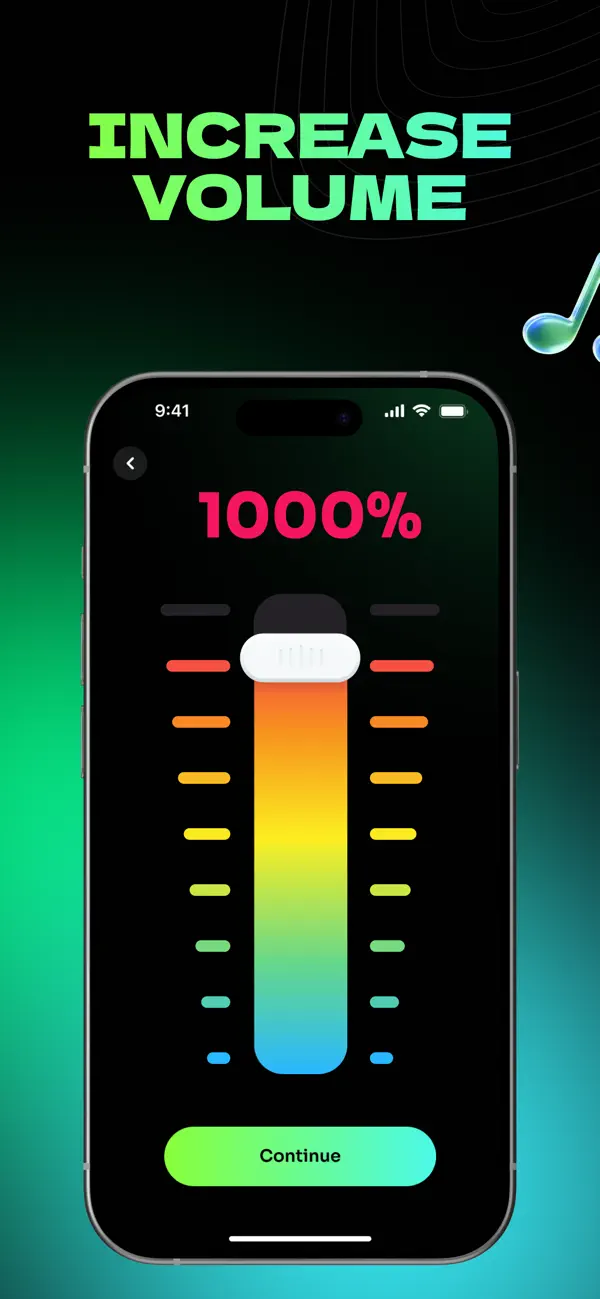
Increase the level of imported audio and video with clear percentage control and instant original-versus-boosted comparison.
VOLUME BOOSTER FOR IPHONE
Make the music, videos, and recordings you already have louder and easier to hear. Adjust the level, shape the sound, and export the result from your iPhone.
Works with media you import. It does not change the system volume of every other app.
BUILT FOR QUIET MEDIA
Music Louder gives you a focused way to improve the files you actually want to hear. Bring in your media, make a controlled adjustment, and keep the original untouched.
See the three-step workflowIncrease the level of imported audio and video with clear percentage control and instant original-versus-boosted comparison.
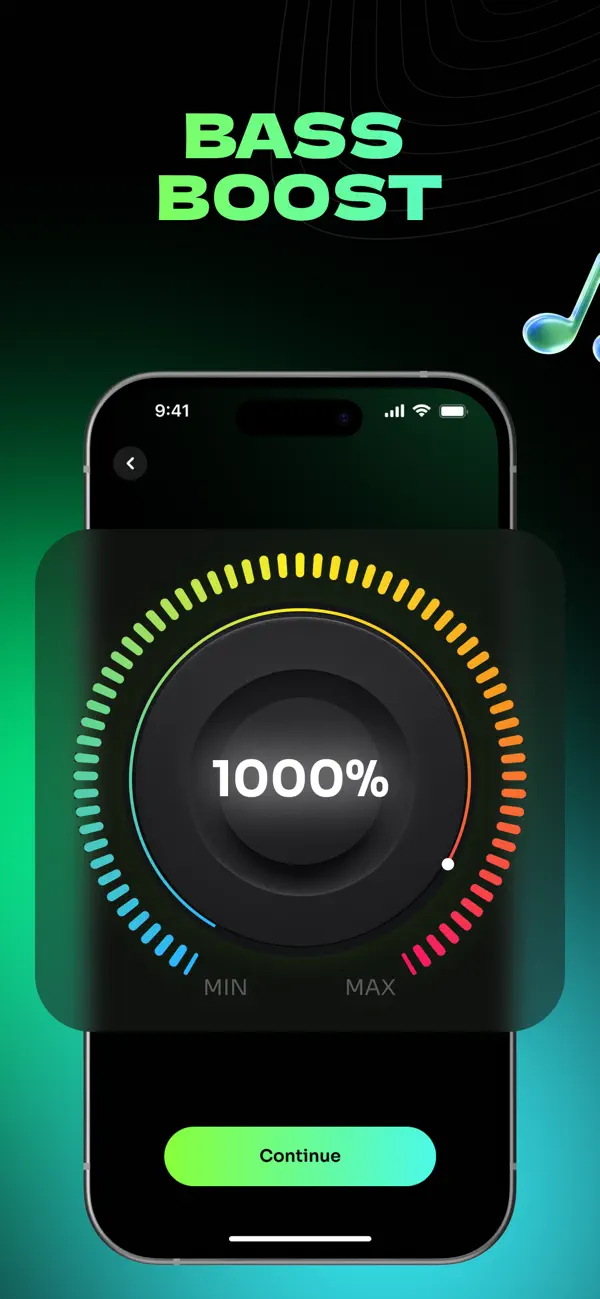
Add weight and presence to music, video, and game clips with a simple bass control.
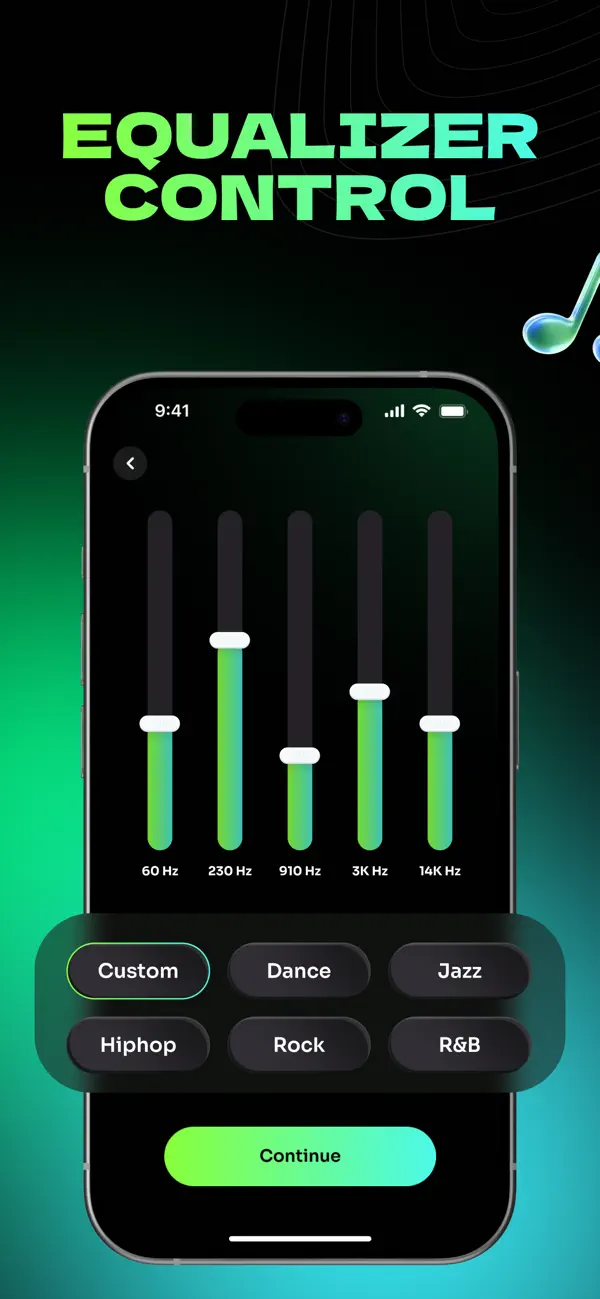
Shape low, mid, and high frequencies with quick presets or your own custom settings.
THREE WAYS TO SHAPE SOUND
Volume, bass, and a five-band equalizer work independently, so every track can be tuned for your headphones, speaker, or car.
FROM QUIET TO CLEAR
A straightforward workflow for the audio and video you already have.
Choose audio from Files or a video from your Photos library.
Adjust volume, bass, and EQ while comparing the result.
Export the enhanced version without overwriting the original.
READY WHEN YOU ARE
Download Music Louder free and start with the audio or video already on your iPhone.
MADE FOR REAL LISTENING
Listen responsibly. High output levels can damage hearing or cause speaker distortion.
IPHONE SOUND GUIDES
Practical answers for common iPhone audio problems, with the app workflow when you need more control.
FAQ
No. iOS does not let third-party apps globally override the system volume of other apps. Music Louder works with the audio and video you bring into the app, so you can boost it, compare the result, and save a louder version.
Yes. Import a video from your Photos library, adjust its volume, bass, or equalizer, listen to the result, then export or share the enhanced version.
Yes. Import audio from Files, adjust the level and tone, compare it with the original, and keep the original file untouched.
Music Louder requires iOS 16.0 or later and is designed for iPhone.
Yes. Music Louder is free to download from the App Store and includes optional in-app purchases.
